Runtime Controls for AI Agents at Mid-Market Companies
Published . Updated .
Which controls should come before business-system access?
Before enabling business-system actions, require scoped identities, permission checks, action limits, approval gates, execution logs, and tested shutdown procedures. Start with one bounded workflow. Assign owners for its business decisions and technical controls.
For this guide, runtime controls mean checks enforced while an agent runs. Use policies to specify boundaries, evaluations to test behavior, and post-run monitoring to review results. Treat these activities as complementary; require checks before execution too.
The design below presents buyer recommendations, not universal requirements or guarantees. Test each recommendation against your architecture before relying on it. Use it alongside broader AI governance responsibilities.
Where should permission checks happen?
Map the agent identity, connected tools, accessible records, sensitive fields, and actions that change business records. For example, distinguish reading an invoice from changing supplier details or releasing payment.
Use least privilege: grant only the access a workflow needs. Salesforce’s guidance recommends access “ideally limited to what its task requires (least privilege).” Prefer a dedicated agent identity over a shared administrator account. Separate read access from write access. Restrict records, fields, destinations, and permitted operations where supported.
Place enforcement outside the model, before each requested action reaches a business system. Route requests through software that checks authorization, then retain business-system permissions as another boundary. Reject requests when required identity or permission checks cannot complete.
Consult Chiri’s AI harness explanation for background on the software surrounding a model. Test direct connection paths rather than assuming your chosen layer intercepts every action.
Prefer time-limited access where supported. Assign an owner to renew or revoke that access. Do not assume expiry handles every incident.
Which actions need limits or approval?
Write explicit limits for transaction value, affected records, request frequency, execution duration, retries, and spending. Choose thresholds from the workflow’s business exposure, not a universal agent benchmark. Enforce cumulative limits across the run, not just per-action limits.
Separate prohibited actions from approval-required actions. In an illustrative invoice workflow, allow reads, require approval for accounting changes, and prohibit payment release. Have the finance owner approve those boundaries before access begins.
Bind approval to the exact proposed action, affected records, destination, and amount. Show reviewers the evidence they need. Reject changed requests or send them for fresh approval. Set an approval timeout and escalation owner; silence should not authorize execution.
A vendor case study describes write/execute requests that “emitted an approval card to the named approver in Teams.” This illustrates one implementation, not proof that approval prevents incidents. See human-in-the-loop AI for related approval design.
What should logs and alerts capture?
Use one execution identifier linking the request, agent identity, permission decision, approval, requested action, and business-system result. Record timestamps, policy versions, approver identity, limits consumed, errors, and shutdown events. Preserve enough context to reconstruct decisions without copying unnecessary sensitive data.
Give logs a named owner, restricted access, retention rules, and protection against unauthorized changes. Alert that owner about repeated denials, unusual action volume, exhausted budgets, missing logs, and failed access revocation. For consequential writes, consider blocking execution when required audit recording fails. Connect this evidence to AI observability, rather than treating dashboards as preventive controls.
How should emergency shutdown work?
Provide separate controls to stop new work, block queued actions, and revoke business-system access. Assign an incident owner and backup, with instructions accessible outside the agent interface. Document who can restart execution and what evidence they must review.
Do not assume a stop command reverses completed actions or cancels work already accepted downstream. Test those boundaries explicitly. Plan how staff will identify partial changes, reconcile records, and avoid duplicate actions during recovery.
SanctumShield’s guidance includes “who can stop or pause it mid-task” and “the date that stop was last tested.” Use those as checklist fields, not evidence of shutdown reliability.
What should a mid-market team test first?
Begin with read-only access, then introduce narrowly scoped writes after reviewing test evidence. Use a checklist with four fields: control owner, enforcement point, test case, and retained evidence. Run these acceptance tests before expanding access:
- Allowed action: Confirm the intended record changes once, within scope, with a linked execution record.
- Denied action: Attempt a prohibited destination, excess amount, expired access, and direct connection bypass; inspect rejection evidence.
- Approval: Reject, time out, and alter a pending request; confirm none executes under the original approval.
- Shutdown and recovery: Stop queued and active work, revoke access, inspect partial changes, and test restart without duplicates.
Expand only after named owners review failures and recovery behavior. Keep the checklist with the workflow so permission changes trigger another test cycle.
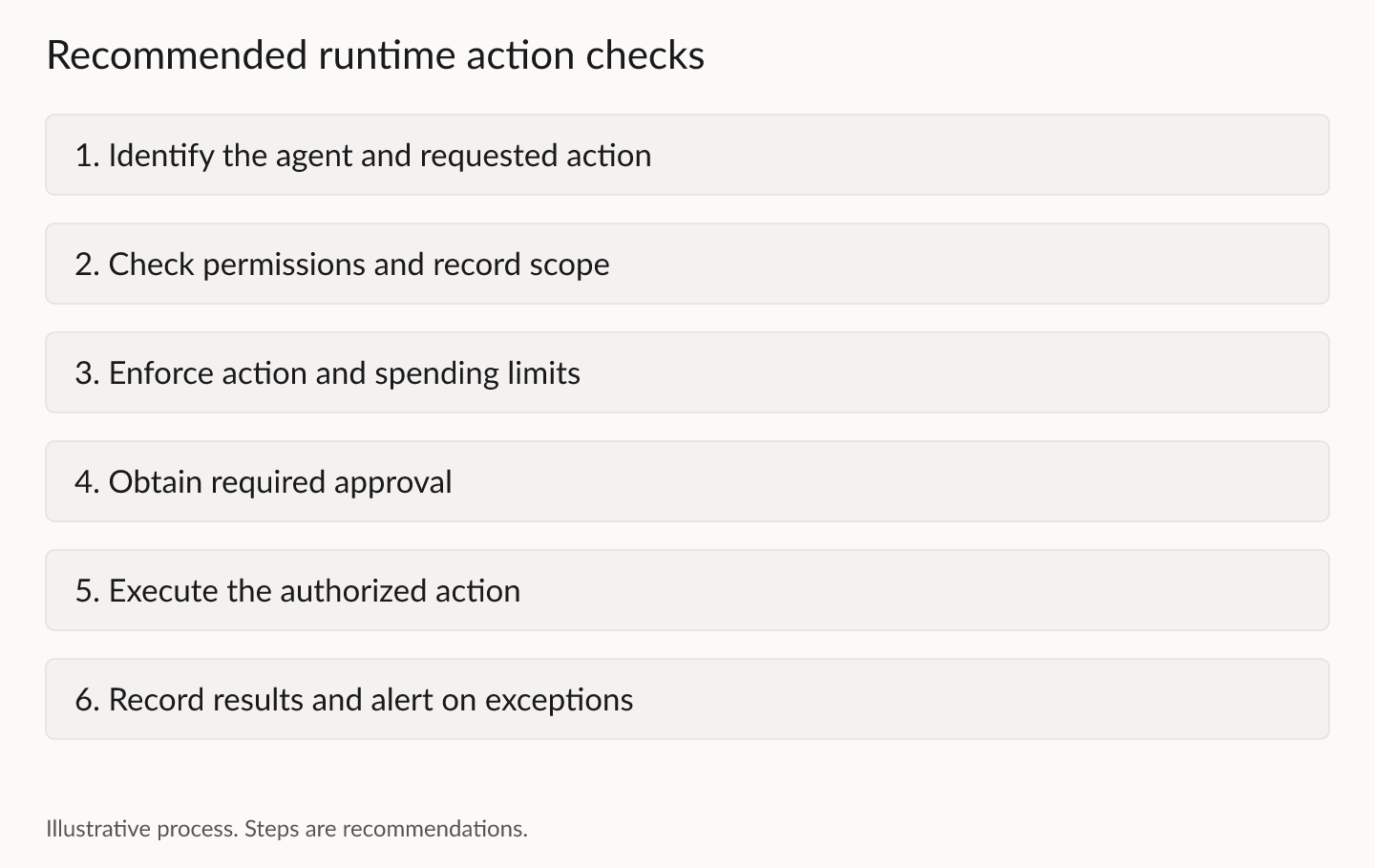
Check authorization before execution, then retain evidence and handle exceptions.
- Identify the agent and requested action
- Check permissions and record scope
- Enforce action and spending limits
- Obtain required approval
- Execute the authorized action
- Record results and alert on exceptions