Best AI Knowledge Graph Tools: How to Choose by Use Case
Published . Updated .
The best artificial intelligence (AI) knowledge graph tools depend on your workflow and who will operate the system. Investigate graph databases for application data, graph-building tools for document extraction, or integrated platforms for company knowledge. Treat named products as research candidates, not proven winners. Compare finalists using identical questions, source material, permission checks, and maintenance logs before committing.
Which tool category fits your use case?
Atlas Workspace’s comparison distinguishes graph databases, visual exploration tools, research maps, and AI-memory systems. Its concise database description says: “A graph database stores links for an app.” Atlas recommends Neo4j, Amazon Neptune, and GraphDB for that application-data category. It suggests Graphiti, Zep, or FalkorDB for AI graph memory, and Linkurious, Kineviz, or Cytoscape for visual investigation. Treat these vendor-published suggestions as research guidance, not independent evidence of suitability or performance.
For your evaluation, describe the entities—people, products, or contracts—and the relationships you need to represent. Document your ontology: the concepts and relationship rules you want the system to use. Our knowledge graph, vector database, and ontology comparison provides a separate starting point for those technology distinctions.
| Your primary job | Category to investigate | Evidence to request |
|---|---|---|
| Store connected application data | Graph database | Representative queries, update behavior, operating requirements |
| Organize company knowledge | Integrated graph platform | Source mappings, permissions, model ownership |
| Extract connections from documents | Graph-building tool | Extraction errors, corrections, repeatable updates |
| Assemble custom AI retrieval | Open-source framework | Integration effort, dependencies, maintenance ownership |
| Explore connected information | Visual exploration or research tool | Source trails, exports, collaboration workflow |
These rows propose evaluation paths, not product endorsements. Do not assume a database also builds your graph or supplies your application’s access controls. Request current documentation before treating any capability as available.
Should you buy a platform or assemble components?
Coworker’s comparison contrasts company-work graphs with databases buyers model, load, and maintain. Its author states: “I did not run hands-on tests of each tool.” Use that operating-responsibility distinction, but do not treat its recommendations as tested comparisons.
For an integrated platform, ask which importing, modeling, permission, and maintenance tasks remain yours. For graph-building tools, inspect proposed entities and relationships before accepting their output. For open-source frameworks, assign ownership for dependencies, upgrades, and incident response. Investigate licensing, integrations, and deployment compatibility rather than assuming them.
If you are researching business memory, include Chiri’s ontology approach in your reading. Apply the same evidence requirements to Chiri and every alternative.
What should your pilot actually test?
Use this proposed buyer protocol to compare two or three finalists. It offers practical advice, not a validated benchmark. Set acceptance criteria before demonstrations, and give each candidate identical source material and questions.
Start with a bounded decision. Choose one workflow, such as identifying contracts affected by a supplier change. Include a direct lookup, a question requiring several relationships, and a question the system should decline to answer.
Build a difficult source sample. Include duplicate names, conflicting facts, outdated documents, and restricted records. Write down the expected answer and supporting source for each question. Record who may access each source.
Inspect importing and modeling. Check how each candidate imports source records, represents entities, resolves duplicates, and handles corrections. Ask someone outside the implementation team to inspect the resulting relationships.
Test answers and changes. Require a source trail for factual answers. Replace a document, revoke access, and delete a record; then repeat the questions. Check whether the candidate reflects each change within your agreed window. Ask what happens to derived relationships after deleting their source.
Record the operating work. Track setup time, manual corrections, integration work, and recurring maintenance during your pilot. Request deployment diagrams and identify who operates each component. Ask how you can export records and relationships if you leave.
How should you make the final decision?
Make mandatory requirements pass-or-fail gates before comparing convenience. For example, reject a candidate if your pilot exposes restricted information to an unauthorized user. Do not let an attractive demonstration offset a failed access requirement.
For remaining candidates, compare answer correctness, source traceability, update behavior, deployment fit, and observed operating effort. Record failures alongside successes. Separate vendor promises from behavior your team observed during the pilot.
Your final checklist should name the workflow, data owner, acceptance criteria, deployment constraints, maintenance owner, and exit plan. Use the broader AI tooling map for adjacent research, not evidence of product fit. Choose the option that meets your documented requirements with an operating burden your team accepts.
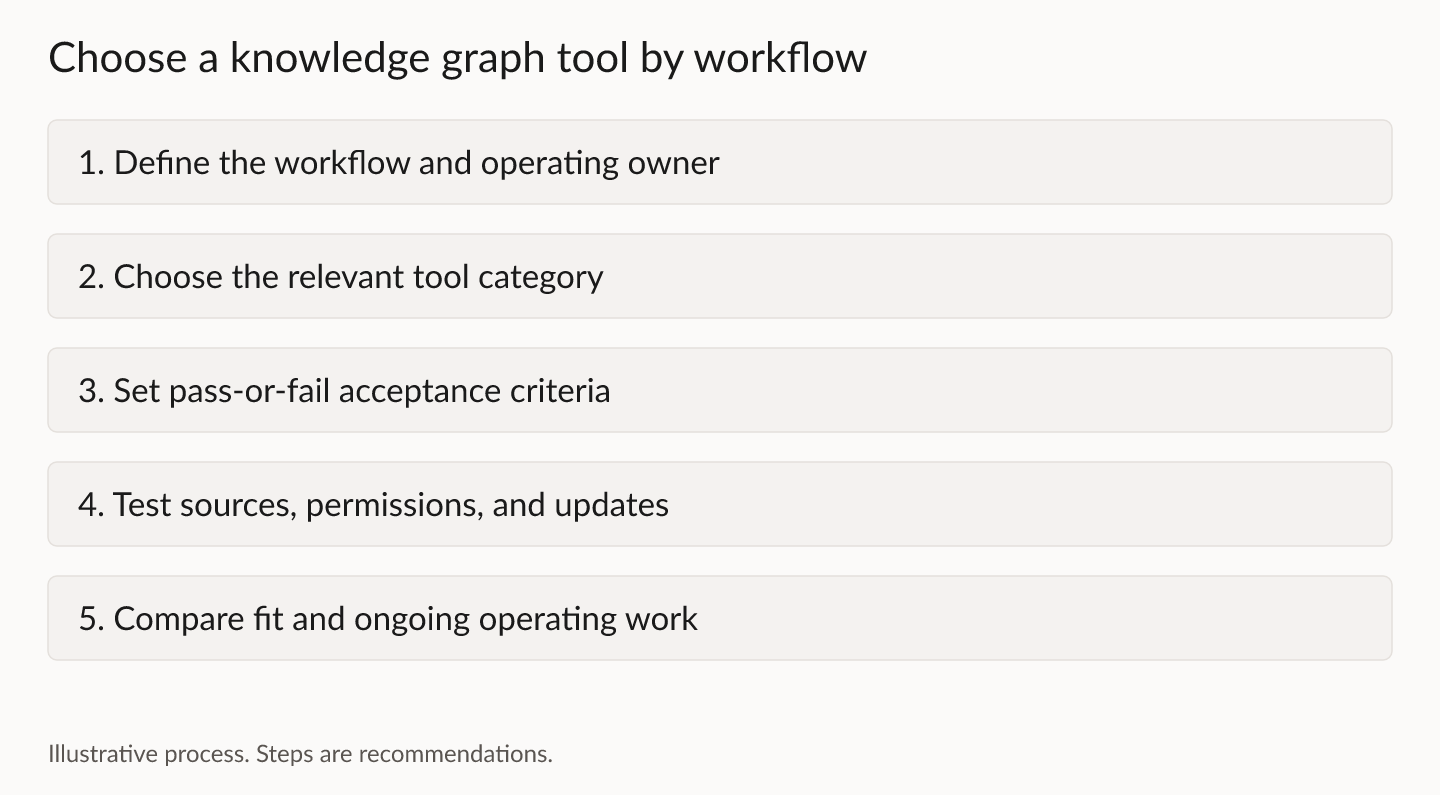
Match tool categories to your workflow before testing finalists.
- Define the workflow and operating owner
- Choose the relevant tool category
- Set pass-or-fail acceptance criteria
- Test sources, permissions, and updates
- Compare fit and ongoing operating work